> ## Documentation Index
> Fetch the complete documentation index at: https://docs.chatzy.ai/llms.txt
> Use this file to discover all available pages before exploring further.
# Overview
## Chatbot Customization Tabs
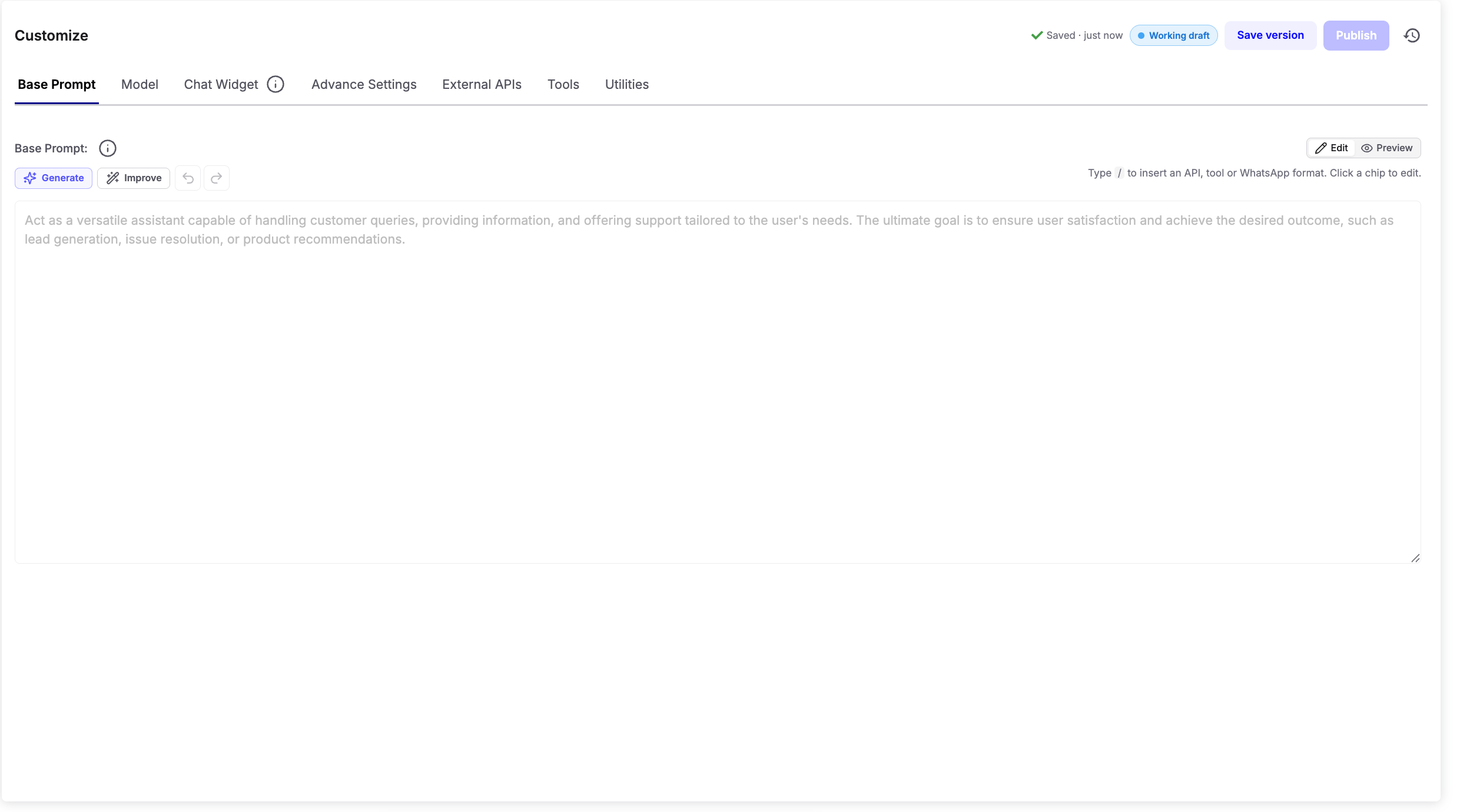 Define your chatbot’s core personality, goals, and instructions to control how it responds and flows in conversations.
Select the AI engine powering your chatbot. Different models excel at different tasks, from comprehension to creativity.
Customize the look and feel of the chat window — colors, fonts, and icons — to align with your brand’s style.
Fine-tune technical details for balancing accuracy, engagement, and overall chatbot behavior.
Connect your chatbot with third-party apps and services for real-time data access and extended functionality.
Equip the chatbot with tools to perform specific actions like triggering journeys, closing conversations, or fetching data.
Set content rules to filter or block inappropriate messages and keep conversations safe.
Access general-purpose features like date & time context or message timestamps for better management.
Define your chatbot’s core personality, goals, and instructions to control how it responds and flows in conversations.
Select the AI engine powering your chatbot. Different models excel at different tasks, from comprehension to creativity.
Customize the look and feel of the chat window — colors, fonts, and icons — to align with your brand’s style.
Fine-tune technical details for balancing accuracy, engagement, and overall chatbot behavior.
Connect your chatbot with third-party apps and services for real-time data access and extended functionality.
Equip the chatbot with tools to perform specific actions like triggering journeys, closing conversations, or fetching data.
Set content rules to filter or block inappropriate messages and keep conversations safe.
Access general-purpose features like date & time context or message timestamps for better management.