> ## Documentation Index
> Fetch the complete documentation index at: https://docs.chatzy.ai/llms.txt
> Use this file to discover all available pages before exploring further.
# List
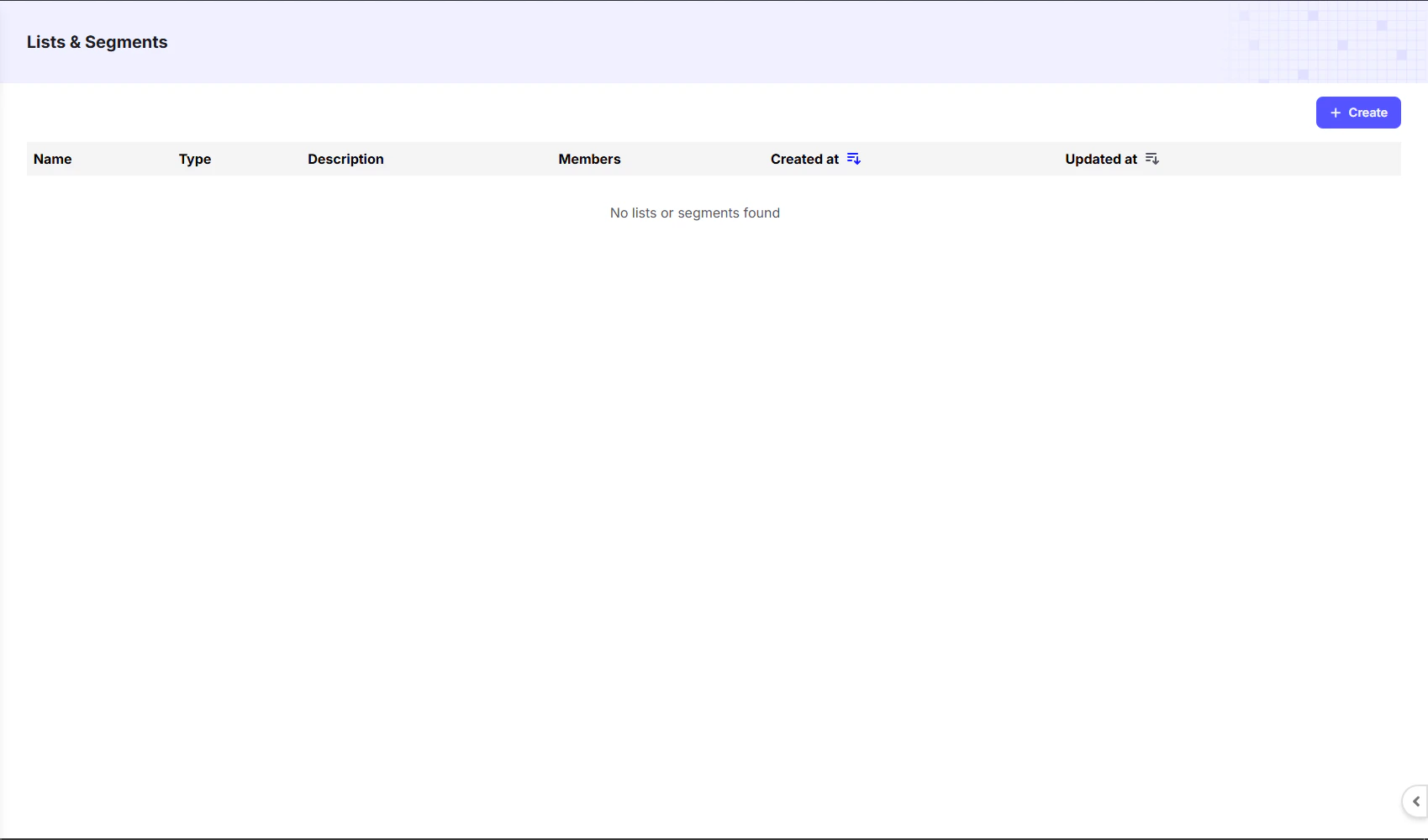
The **Lists** page is where you can create and manage groups of your contacts. Organizing your contacts into lists allows you to target specific audiences for your campaigns and journeys.
 ***
#### Creating a List
To create a new list, click the **`+ Create`** button in the top right corner. A form will appear where you can give your list a **Name** and a **Description**.
Once created, all lists will be visible on the dashboard. The table columns provide a quick overview of each list:
| Column | Description |
| :-------------- | :---------------------------------------------- |
| **Name** | The custom name you gave the list. |
| **Type** | The type of list, indicating how it is managed. |
| **Description** | A brief explanation of the list's purpose. |
| **Members** | The total number of contacts in the list. |
| **Created at** | The date and time the list was created. |
| **Updated at** | The date and time the list was last updated. |
***
#### Adding Contacts to a List
Once you create a list:
1. Navigate back to the **Contacts Dashboard**.
2. Select the contacts you want to add.
3. At the bottom-left corner, click the **Add to List** option.
4. Choose your preferred list and confirm.
Your selected contacts will now be part of the chosen list.
***
#### Creating a List
To create a new list, click the **`+ Create`** button in the top right corner. A form will appear where you can give your list a **Name** and a **Description**.
Once created, all lists will be visible on the dashboard. The table columns provide a quick overview of each list:
| Column | Description |
| :-------------- | :---------------------------------------------- |
| **Name** | The custom name you gave the list. |
| **Type** | The type of list, indicating how it is managed. |
| **Description** | A brief explanation of the list's purpose. |
| **Members** | The total number of contacts in the list. |
| **Created at** | The date and time the list was created. |
| **Updated at** | The date and time the list was last updated. |
***
#### Adding Contacts to a List
Once you create a list:
1. Navigate back to the **Contacts Dashboard**.
2. Select the contacts you want to add.
3. At the bottom-left corner, click the **Add to List** option.
4. Choose your preferred list and confirm.
Your selected contacts will now be part of the chosen list.