> ## Documentation Index
> Fetch the complete documentation index at: https://docs.chatzy.ai/llms.txt
> Use this file to discover all available pages before exploring further.
# Instagram
## Setting up Instagram Messaging
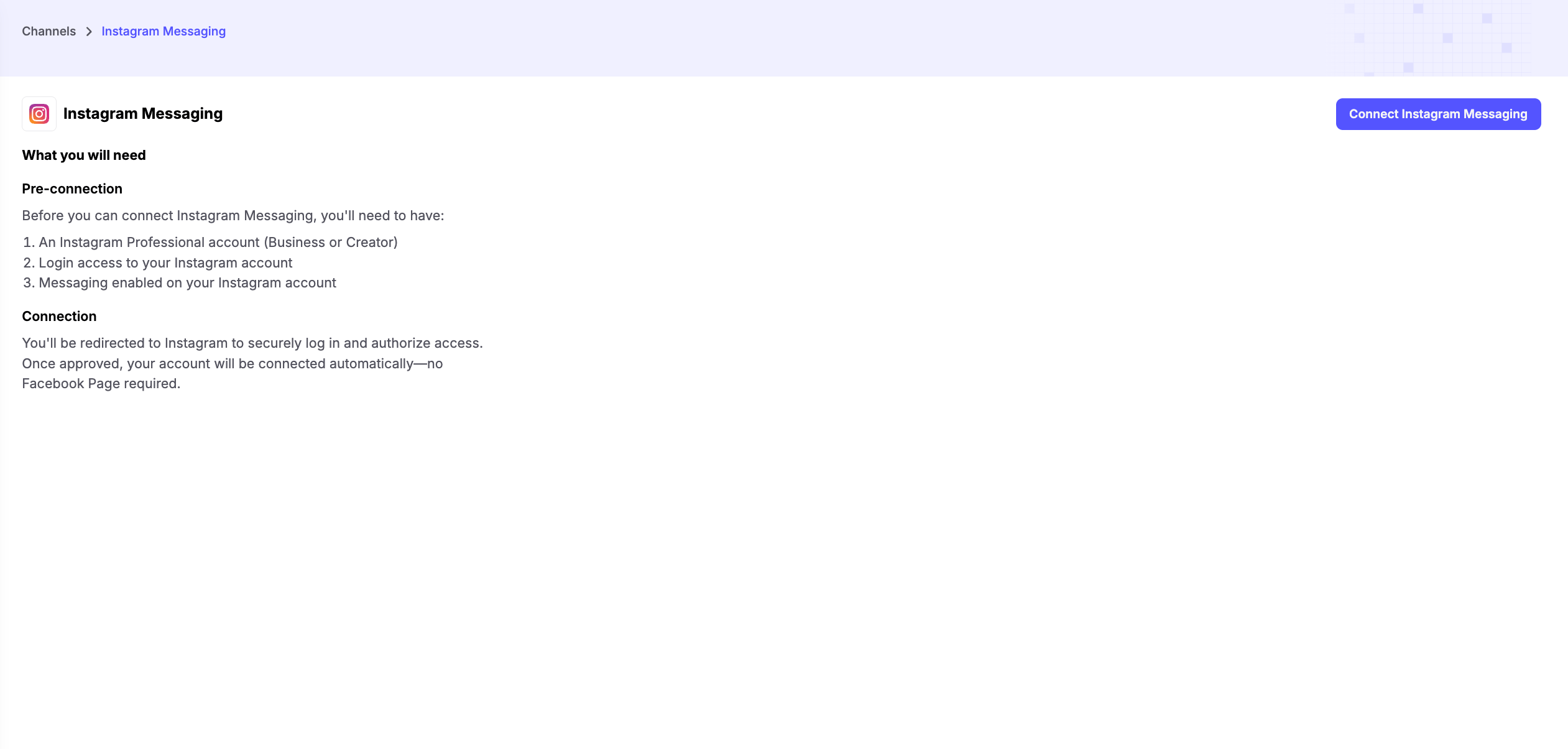
The **Instagram Messaging** channel allows you to connect your **Instagram Professional account** (Business or Creator) with Chatzy. Once connected, your AI agent can automatically respond to Instagram Direct Messages, engage followers, capture leads, and provide customer support.
 ***
### Prerequisites
Before connecting Instagram Messaging, make sure you have:
1. **An Instagram Professional Account**
* Your account must be set up as either a **Business** or **Creator** account.
2. **Login Access**
* Ensure you have access to the Instagram account you want to connect.
3. **Instagram Messaging Enabled**
* Messaging must be enabled for your Instagram account so Chatzy can send and receive Direct Messages.
***
### Connecting Your Account
Click **Connect Instagram Messaging** and sign in to your Instagram account when prompted.
***
### Accept the Tester Invitation
After authorizing your Instagram account, you'll need to accept the tester invitation before the integration becomes active.
1. Open the **Instagram Tester Invitations** page.
2. Accept the pending invitation for your account.
3. Return to Chatzy and continue using Instagram Messaging.
You can access the invitation page here: [https://www.instagram.com/accounts/manage\_access/](https://www.instagram.com/accounts/manage_access/)
> **Note:** If you don't accept the tester invitation, Instagram Messaging will not function even if your account has been connected successfully.
***
### Key Features
* **Instagram DM Automation** - Automatically respond to Instagram Direct Messages using your AI agent, ensuring customers receive instant replies 24/7.
* **Instagram Comment Automation** - Automatically reply to comments on your Instagram posts or reels and guide users into Direct Messages for personalized conversations and lead generation.
* **Automated Replies** - Instantly answer frequently asked questions, product inquiries, and customer support requests.
* **Human Handoff** - Seamlessly transfer conversations to a human agent whenever manual assistance is required.
***
### Common Use Cases
* **E-commerce** - Handle product inquiries, order updates, and recommendations.
* **Service Businesses** - Book appointments and answer customer questions.
* **Creators & Influencers** - Manage fan interactions, collaborations, and common FAQs.
* **Marketing Campaigns** - Engage users responding to Instagram ads or organic content.
***
### Prerequisites
Before connecting Instagram Messaging, make sure you have:
1. **An Instagram Professional Account**
* Your account must be set up as either a **Business** or **Creator** account.
2. **Login Access**
* Ensure you have access to the Instagram account you want to connect.
3. **Instagram Messaging Enabled**
* Messaging must be enabled for your Instagram account so Chatzy can send and receive Direct Messages.
***
### Connecting Your Account
Click **Connect Instagram Messaging** and sign in to your Instagram account when prompted.
***
### Accept the Tester Invitation
After authorizing your Instagram account, you'll need to accept the tester invitation before the integration becomes active.
1. Open the **Instagram Tester Invitations** page.
2. Accept the pending invitation for your account.
3. Return to Chatzy and continue using Instagram Messaging.
You can access the invitation page here: [https://www.instagram.com/accounts/manage\_access/](https://www.instagram.com/accounts/manage_access/)
> **Note:** If you don't accept the tester invitation, Instagram Messaging will not function even if your account has been connected successfully.
***
### Key Features
* **Instagram DM Automation** - Automatically respond to Instagram Direct Messages using your AI agent, ensuring customers receive instant replies 24/7.
* **Instagram Comment Automation** - Automatically reply to comments on your Instagram posts or reels and guide users into Direct Messages for personalized conversations and lead generation.
* **Automated Replies** - Instantly answer frequently asked questions, product inquiries, and customer support requests.
* **Human Handoff** - Seamlessly transfer conversations to a human agent whenever manual assistance is required.
***
### Common Use Cases
* **E-commerce** - Handle product inquiries, order updates, and recommendations.
* **Service Businesses** - Book appointments and answer customer questions.
* **Creators & Influencers** - Manage fan interactions, collaborations, and common FAQs.
* **Marketing Campaigns** - Engage users responding to Instagram ads or organic content.