> ## Documentation Index
> Fetch the complete documentation index at: https://docs.chatzy.ai/llms.txt
> Use this file to discover all available pages before exploring further.
# Overview
The **Message Templates** page is your central hub for creating and managing reusable message templates across supported communication channels. These templates help you automate conversations, maintain consistent messaging, and streamline customer interactions.
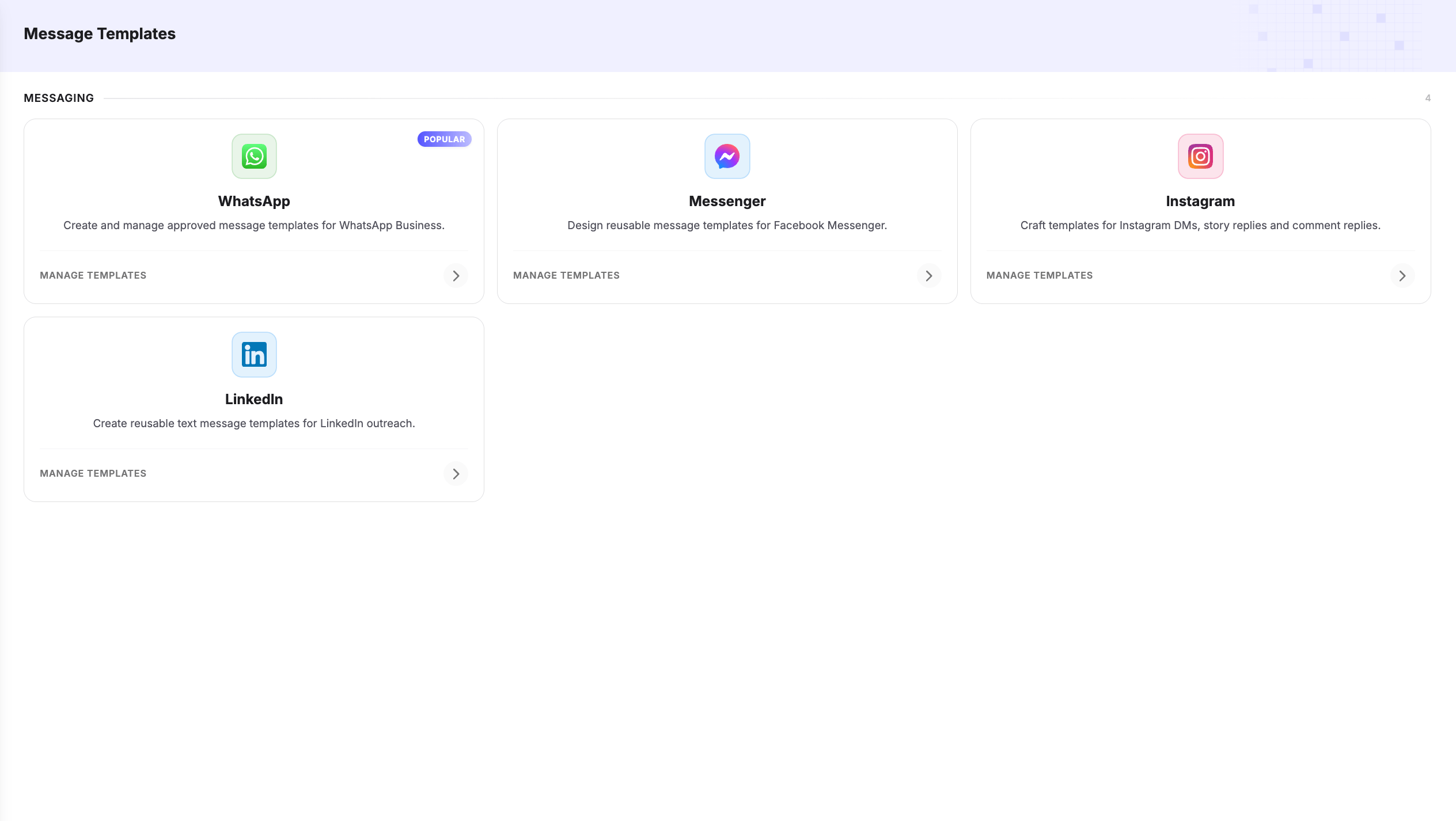 From this page, choose the channel for which you want to create and manage templates:
* **WhatsApp** – Create Meta-approved message templates for Marketing, Utility, Authentication, and Call Permission requests. These templates can be used in AI Agents, Journeys, and WhatsApp campaigns.
* **Facebook Messenger** – Build reusable templates with rich content such as text, images, buttons, quick replies, and other interactive elements for Messenger conversations.
* **Instagram** – Create templates for Instagram Direct Messages, story replies, and comment replies to automate customer engagement and lead generation.
* **LinkedIn** – Create reusable text message templates for LinkedIn outreach, including personalized messages and connection requests that can be used within Journeys and automation workflows.
> **Tip:** Templates can include dynamic variables, allowing you to personalize messages with customer information such as names, order details, appointment times, and other runtime values.
From this page, choose the channel for which you want to create and manage templates:
* **WhatsApp** – Create Meta-approved message templates for Marketing, Utility, Authentication, and Call Permission requests. These templates can be used in AI Agents, Journeys, and WhatsApp campaigns.
* **Facebook Messenger** – Build reusable templates with rich content such as text, images, buttons, quick replies, and other interactive elements for Messenger conversations.
* **Instagram** – Create templates for Instagram Direct Messages, story replies, and comment replies to automate customer engagement and lead generation.
* **LinkedIn** – Create reusable text message templates for LinkedIn outreach, including personalized messages and connection requests that can be used within Journeys and automation workflows.
> **Tip:** Templates can include dynamic variables, allowing you to personalize messages with customer information such as names, order details, appointment times, and other runtime values.