
AI Agent Flow
Initialize Conversation
GET
Initialize Conversation
Retrieves a 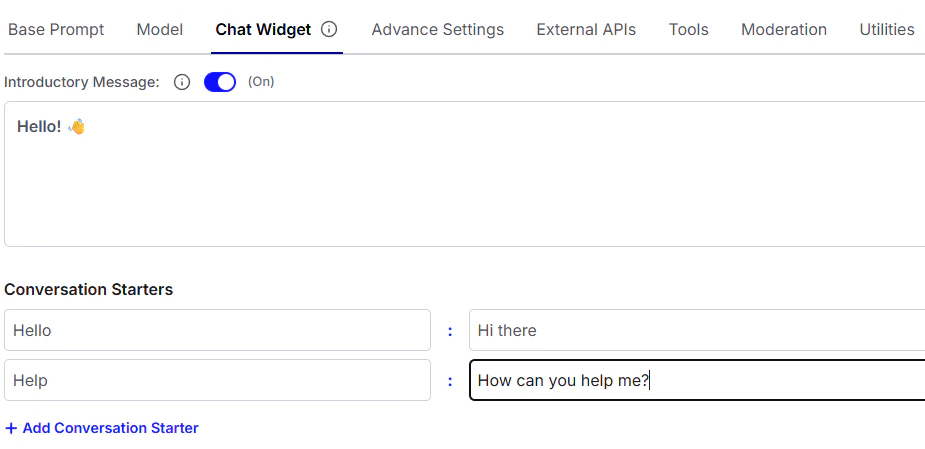
conversation_id for the session and verifies the chatbot_id provided.
chatbot_id -> Get this from Conversational AI Agents > open your agent’s menu (⋮ / hamburger) > Copy Agent ID.
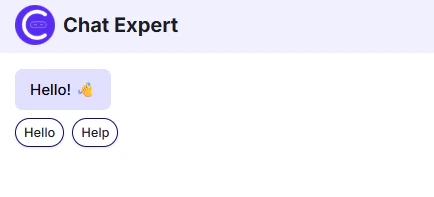
This also returns introductory message if the chatbot is configured to do so. You can configure introductory messages in the Chat Widget tab of the AI Agent Settings page.
Initialize Conversation