
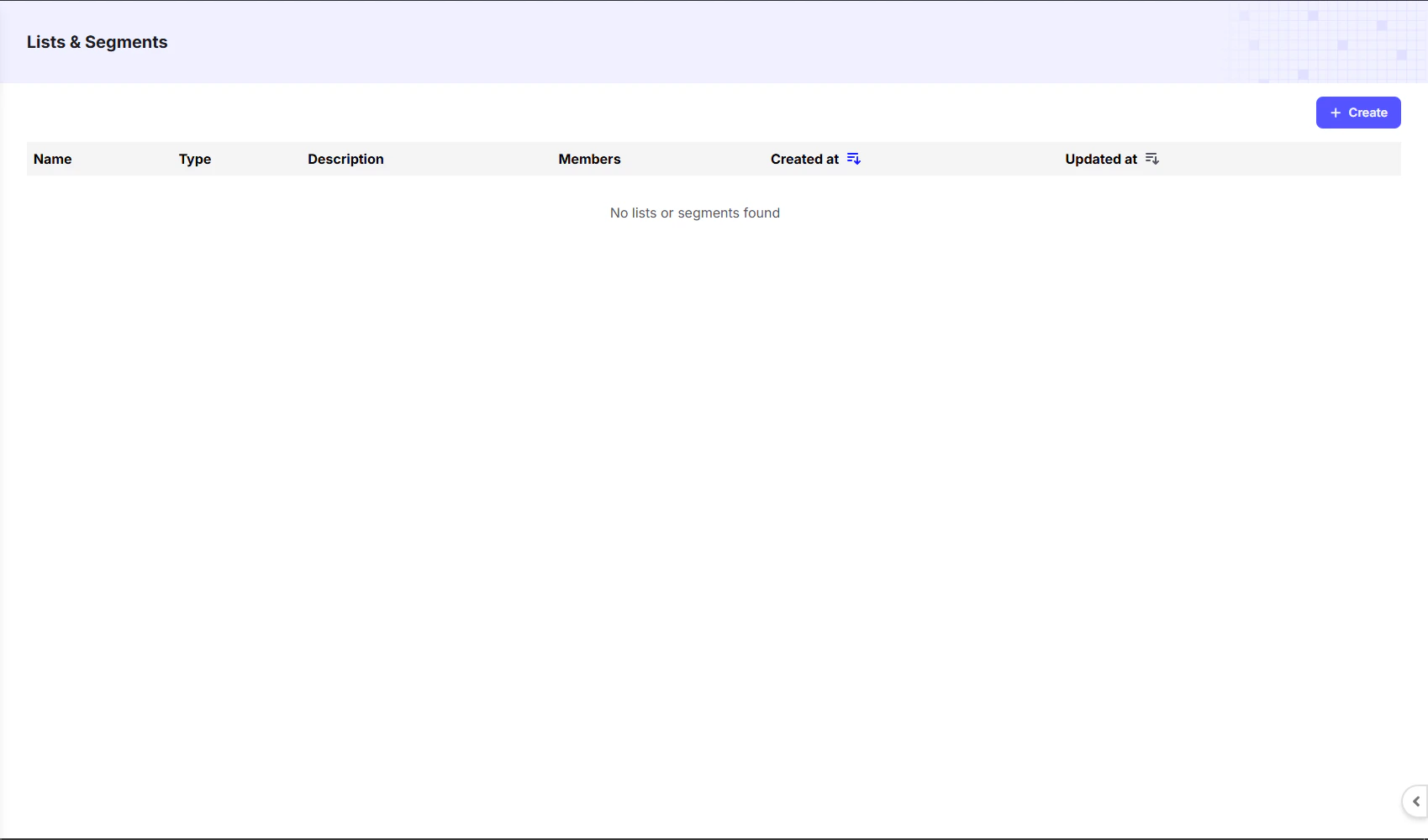
Creating a List
To create a new list, click the+ Create button in the top right corner. A form will appear where you can give your list a Name and a Description.
Once created, all lists will be visible on the dashboard. The table columns provide a quick overview of each list:
Adding Contacts to a List
Once you create a list:- Navigate back to the Contacts Dashboard.
- Select the contacts you want to add.
- At the bottom-left corner, click the Add to List option.
- Choose your preferred list and confirm.