
Unlike WhatsApp, Messenger offers a wider range of pre-defined template categories to choose from.
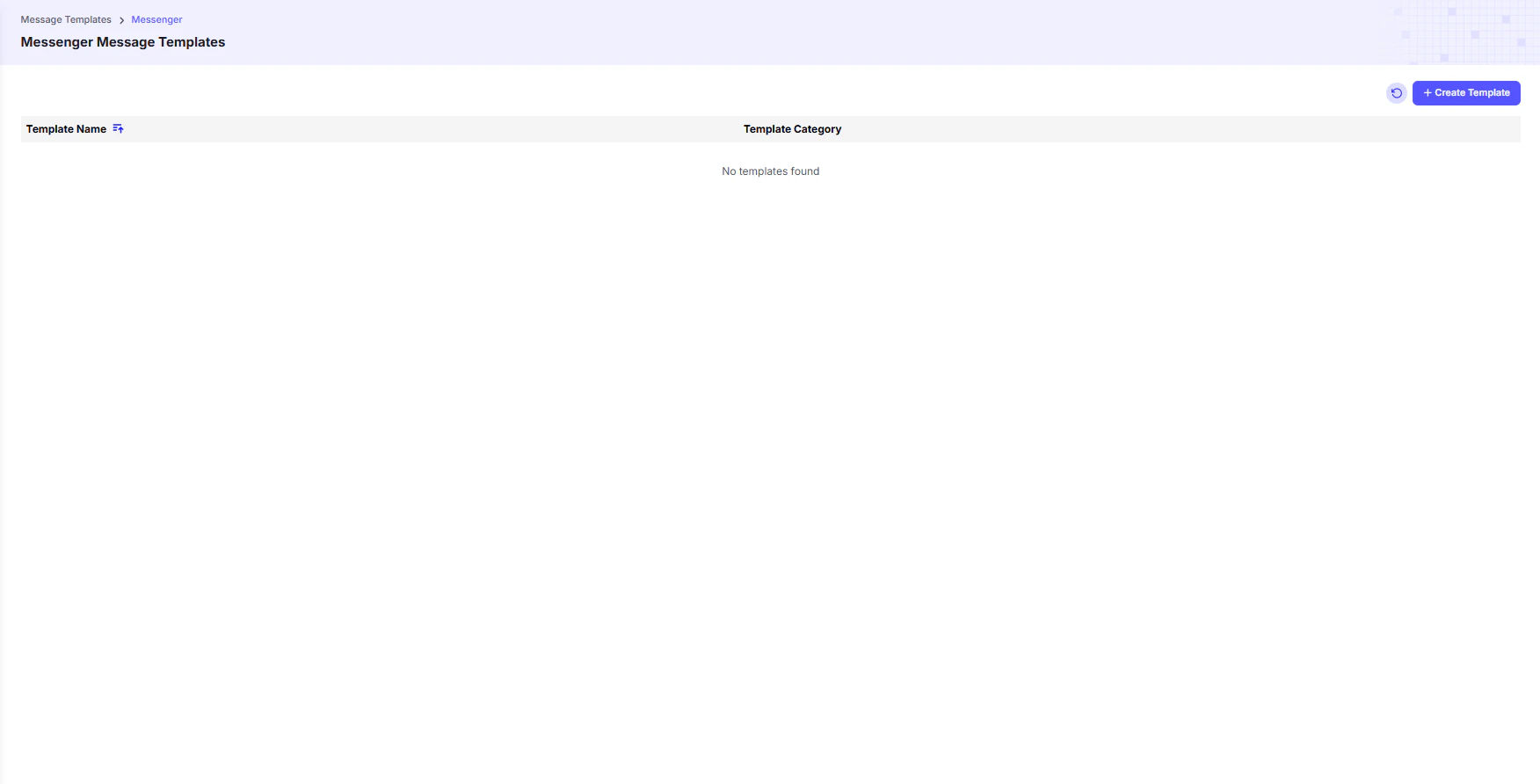
Template Categories
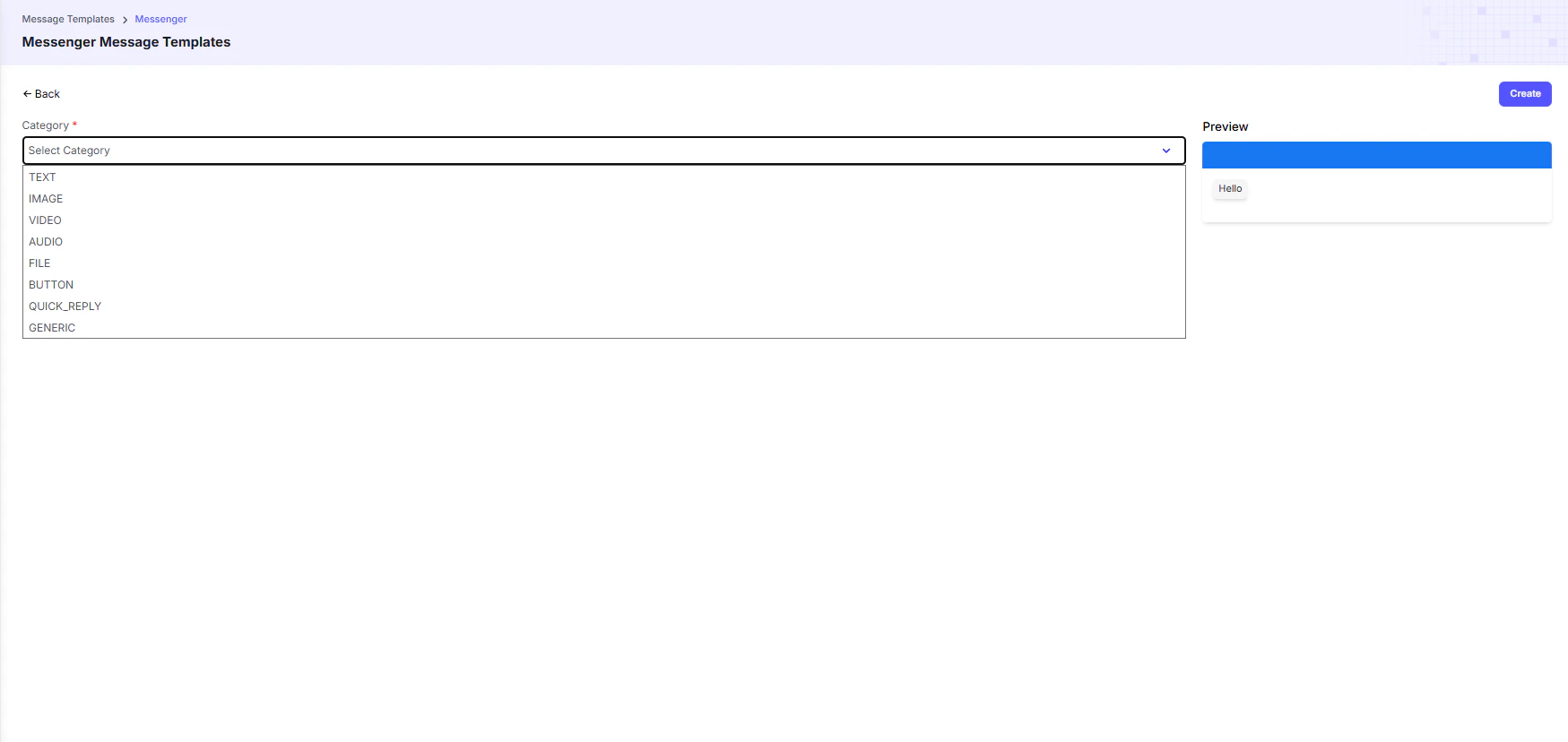
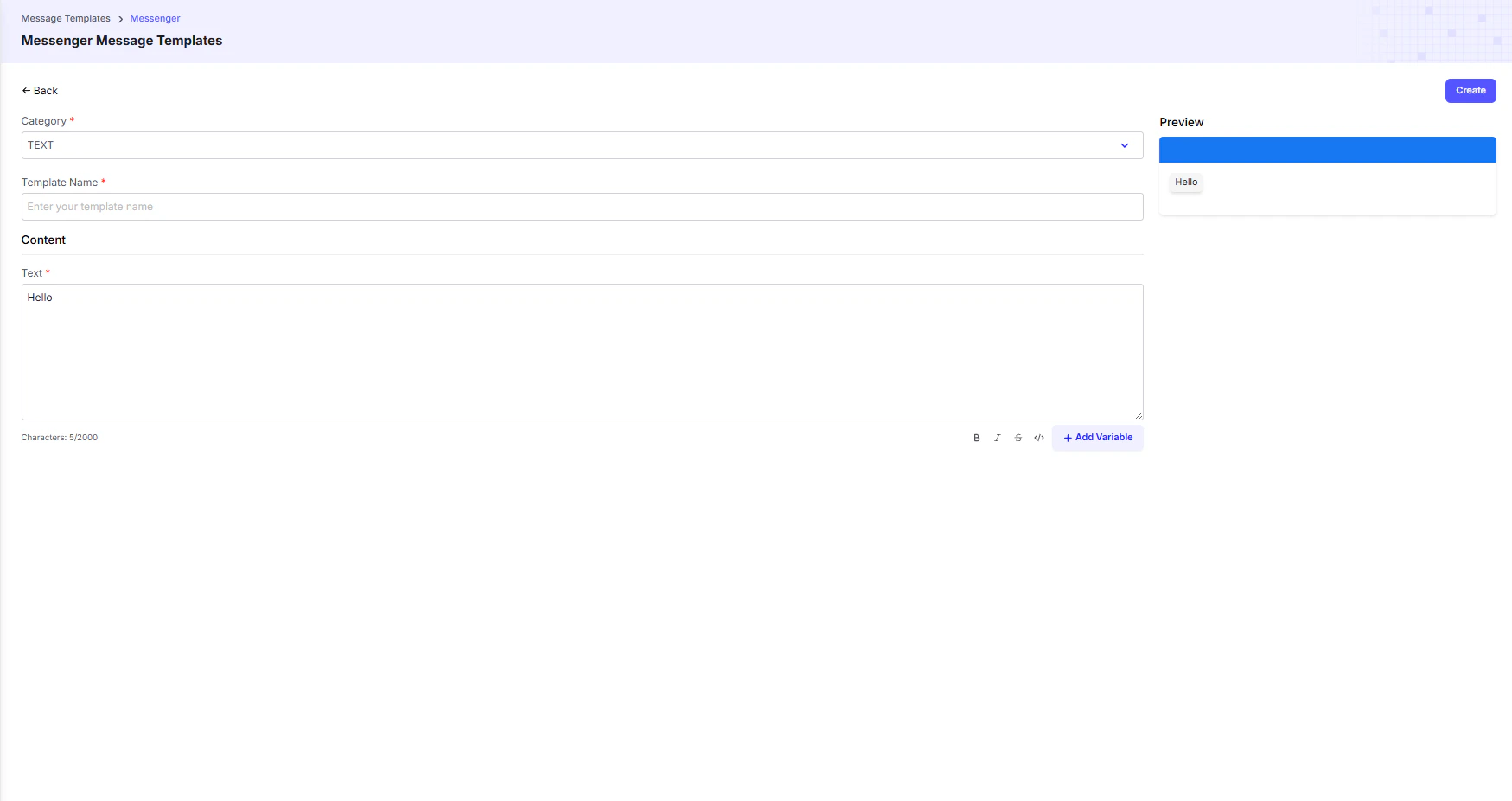
- TEXT → Send simple, plain-text messages to users.
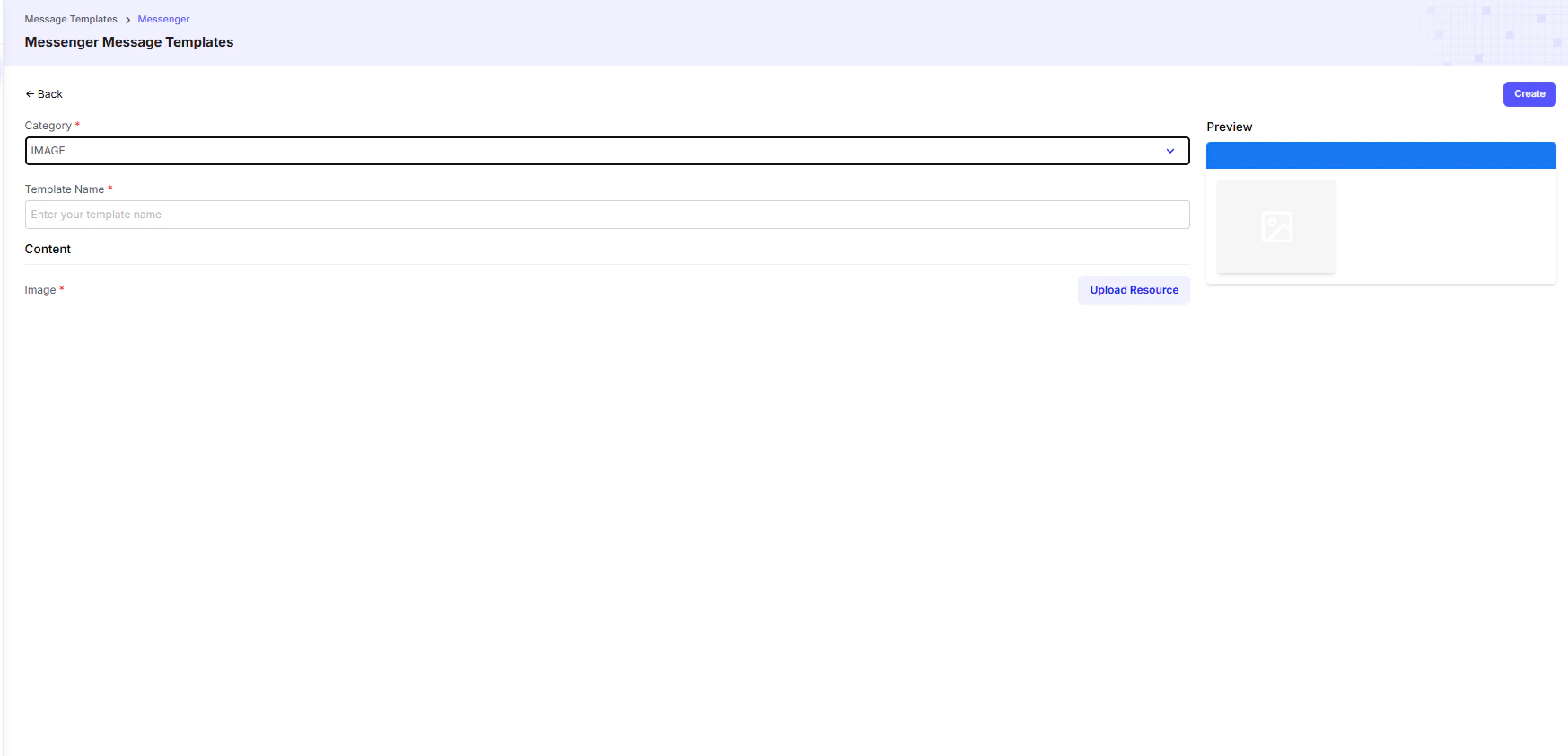
- IMAGE, VIDEO, AUDIO, FILE → Send rich media content. Each template is configured for a specific file type.
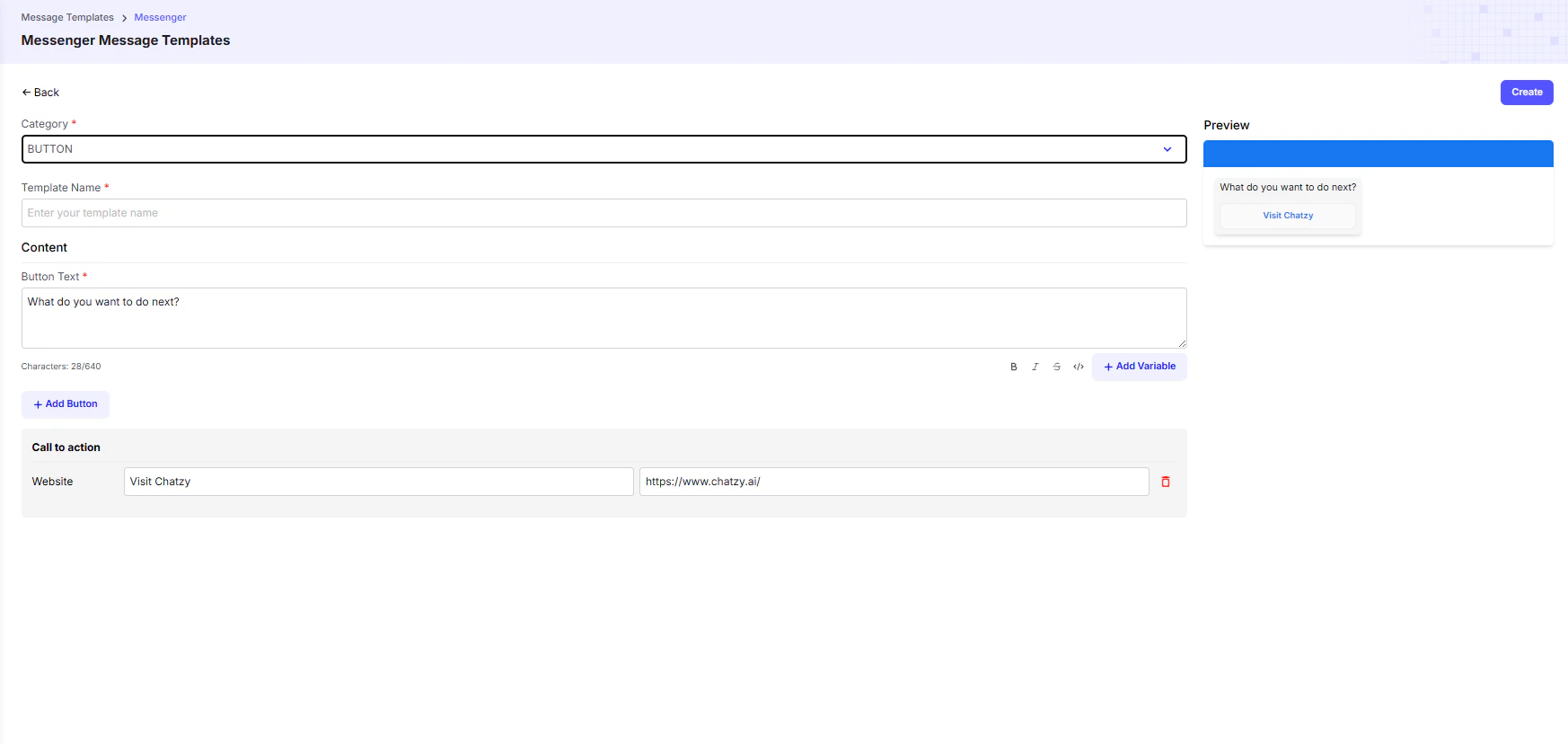
- BUTTON → Create a message with a clickable button that directs the user to a website or external link.
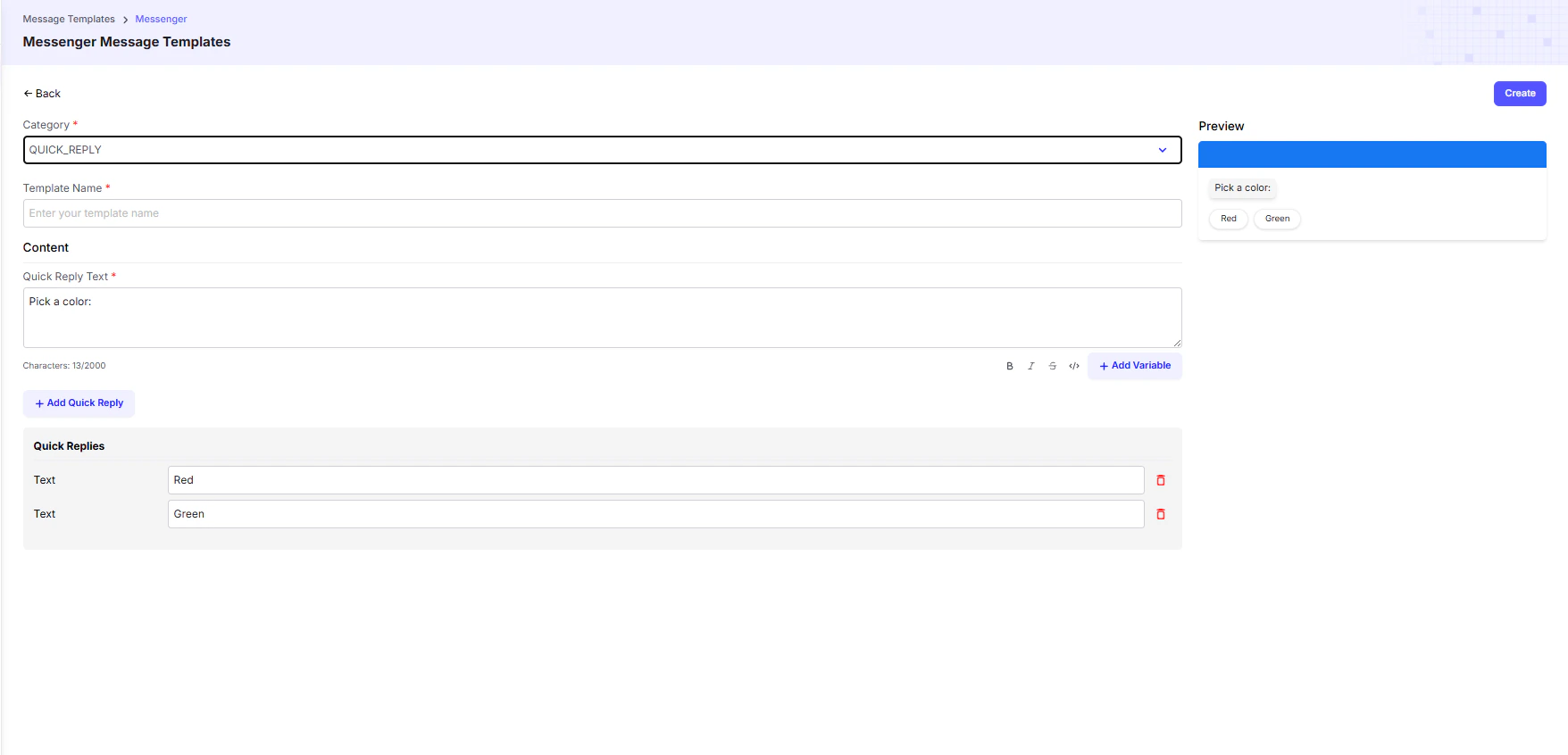
- QUICK_REPLY → Send a message with a set of predefined quick reply options, helping guide the conversation and capture fast responses.
- GENERIC → Build rich, interactive cards with title, subtitle, image, and buttons in a single template. Commonly used for showcasing products, services, or structured listings.
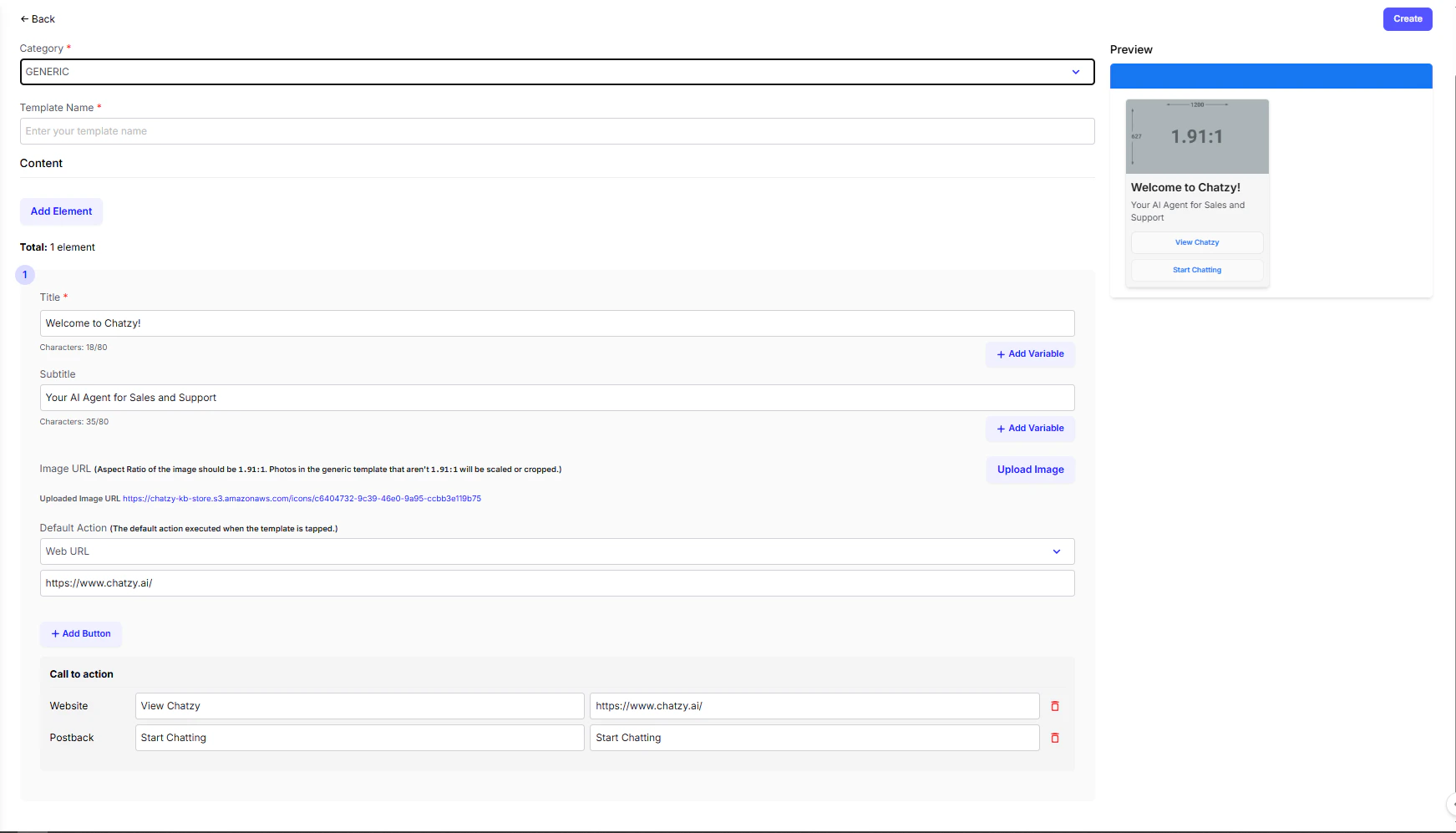
💡 Tip: Use Generic Templates when you need to display multiple items (like product catalogs or service packages) in a scrollable carousel format.