
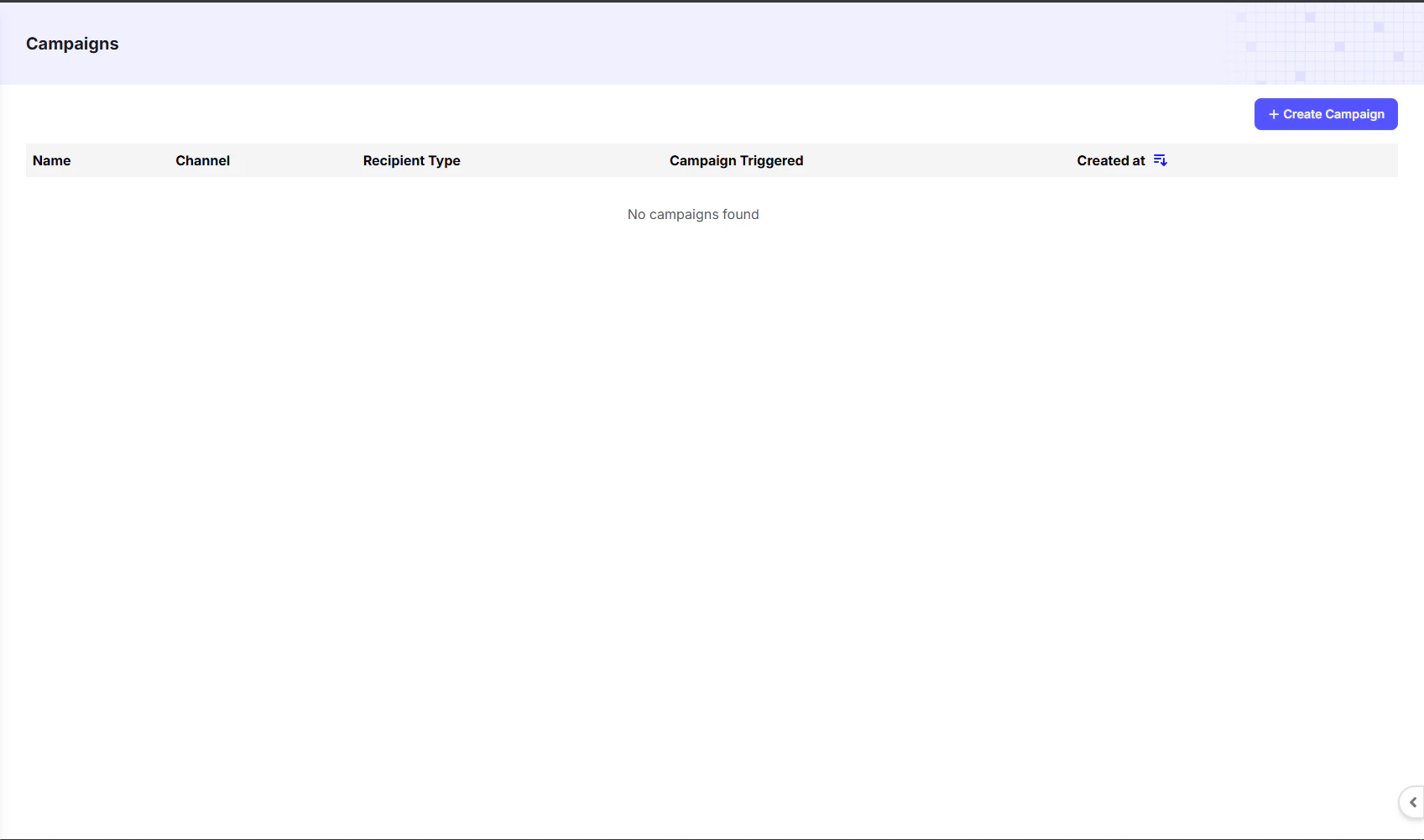
Campaigns Dashboard Overview
The dashboard provides a summary of all created campaigns:Creating a New Campaign
To create a new campaign, click the+ Create Campaign button in the top-right corner of the dashboard. You’ll then choose the channel, audience, and content for your campaign.
Step-by-Step Example
Here’s a quick example you can explore:Create WhatsApp Campaign
Learn how to set up and launch a WhatsApp campaign.