
The Journeys Dashboard
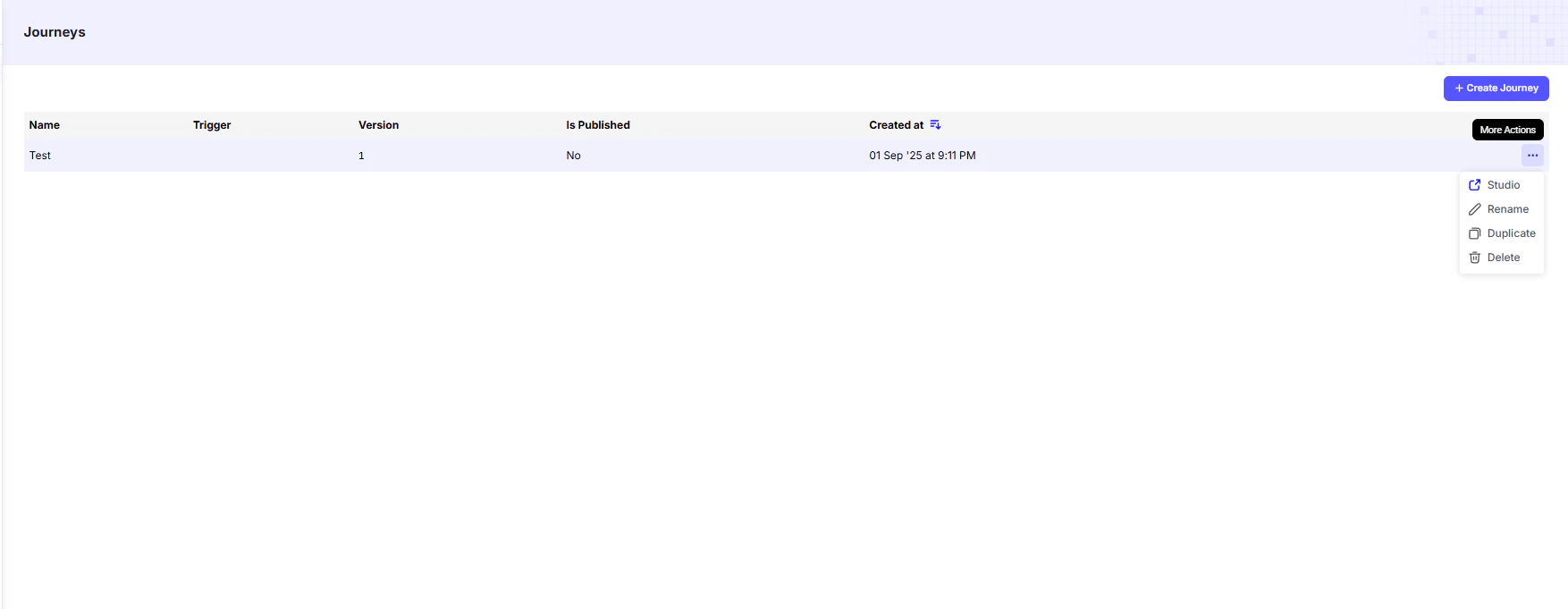
From here, you can quickly view the status of each journey and perform key management actions.
Journey List
The main table provides a summary of all journeys you’ve created:Journey Actions
For each journey in the list, the More Actions dropdown provides management options:- Studio → Opens the visual flow builder to edit journey nodes and cards.
- Rename → Change the journey’s name.
- Duplicate → Create an exact copy (useful for testing variations or creating backups).
- Delete → Permanently remove the journey from your account.