
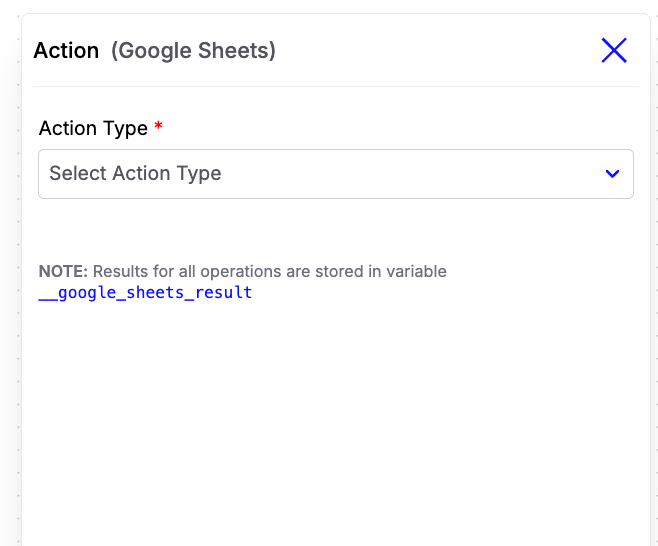
- Append Rows - Add one or more new rows to a Google Sheet.
- Update Row – Update specific columns in an existing row.
Append Rows
Use Append Rows to insert new data into the selected spreadsheet.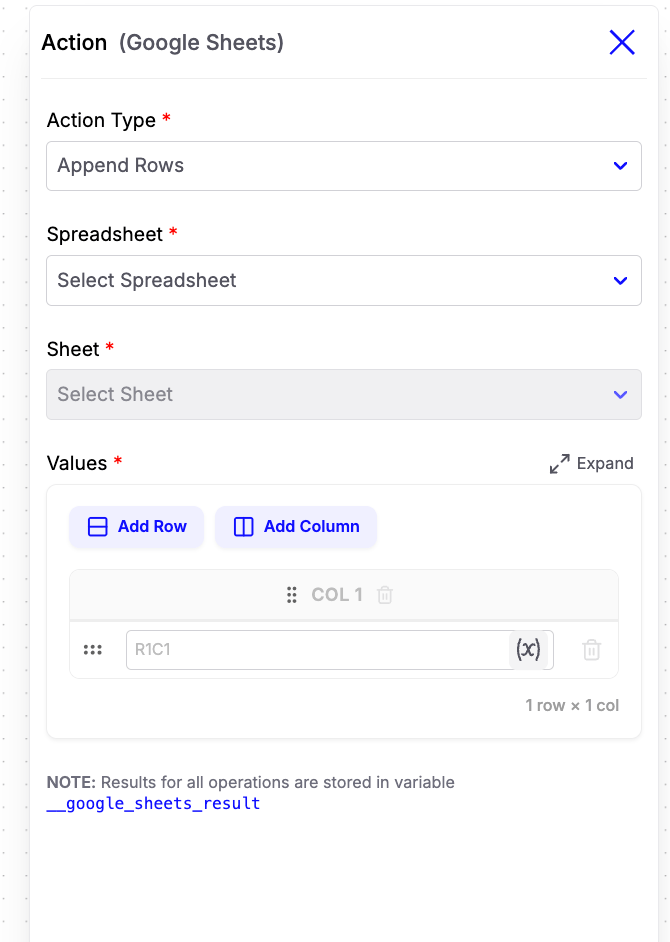
Configuration Fields
-
Spreadsheet
Select the Google Spreadsheet where data should be added. -
Sheet
Choose the worksheet within the selected spreadsheet. -
Values
Define the data to be appended.- Add Row – Insert multiple rows in a single operation.
- Add Column – Add additional columns for each row.
- Each cell supports dynamic variables, allowing you to populate values from your workflow.
Update Row
Use Update Row to modify an existing row in your spreadsheet.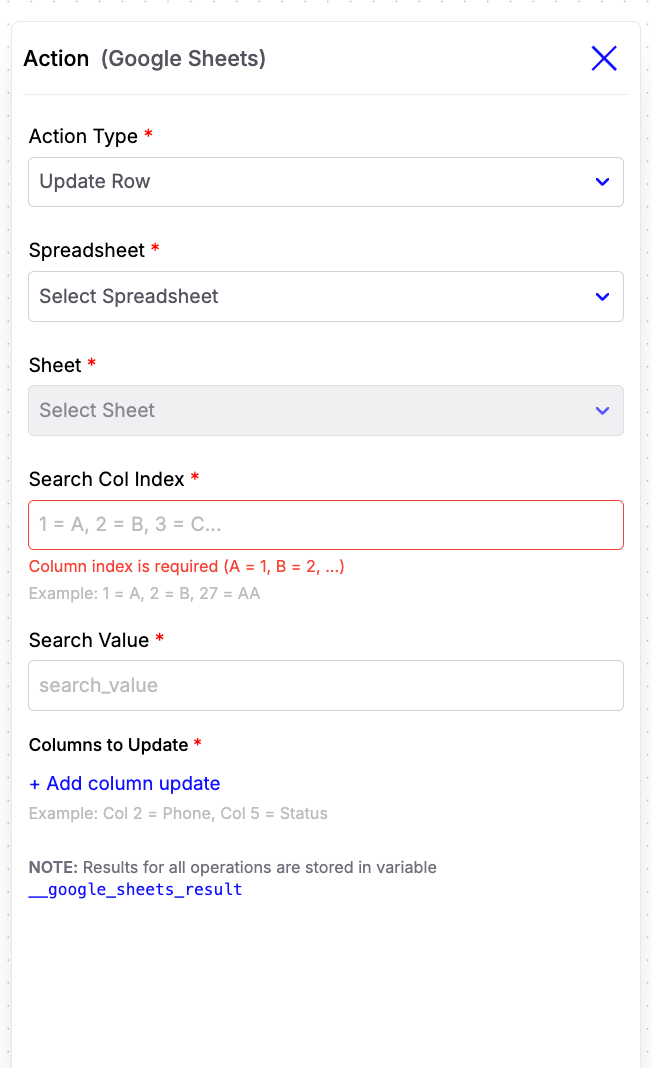
Configuration Fields
-
Spreadsheet
Select the Google Spreadsheet. -
Sheet
Choose the worksheet containing the row to update. -
Search Column Index
Enter the column number used to locate the row. Examples:- Column A →
1 - Column B →
2 - Column C →
3
- Column A →
-
Search Value
Specify the value to search for within the selected column. Dynamic variables are supported. Example:{{contact.phone_number}} -
Columns to Update
Specify which columns should be updated and provide the corresponding values. Example:- Column 2 →
{{contact.first_name}} - Column 5 →
Interested
- Column 2 →
Example Use Case
Suppose you’re building a lead qualification journey.- A user provides their name, phone number, and budget.
- Use Append Rows to store the lead in a Google Sheet.
- Later, after a sales representative updates the lead status, use Update Row to modify the corresponding row by searching with the user’s phone number.