
The top bar provides several tools to help you manage your workspace and control the publishing process.
Top Bar Tools
- Back to All Journeys → Returns you to the Journeys Dashboard to view and manage all flows.
- Fit View → Adjusts the canvas so all nodes and triggers are visible within the screen.
- Zoom → Zoom in or out for a closer look at specific areas or to see the entire flow.
- Toggle Interactivity → Enables or disables interaction with nodes; useful for reviewing complex flows without editing them.
- Align → Automatically arranges and aligns all nodes for a neat and structured layout.
- Publish → Makes the journey live and active. Once published, the flow will respond to its configured triggers.
Adding a Trigger
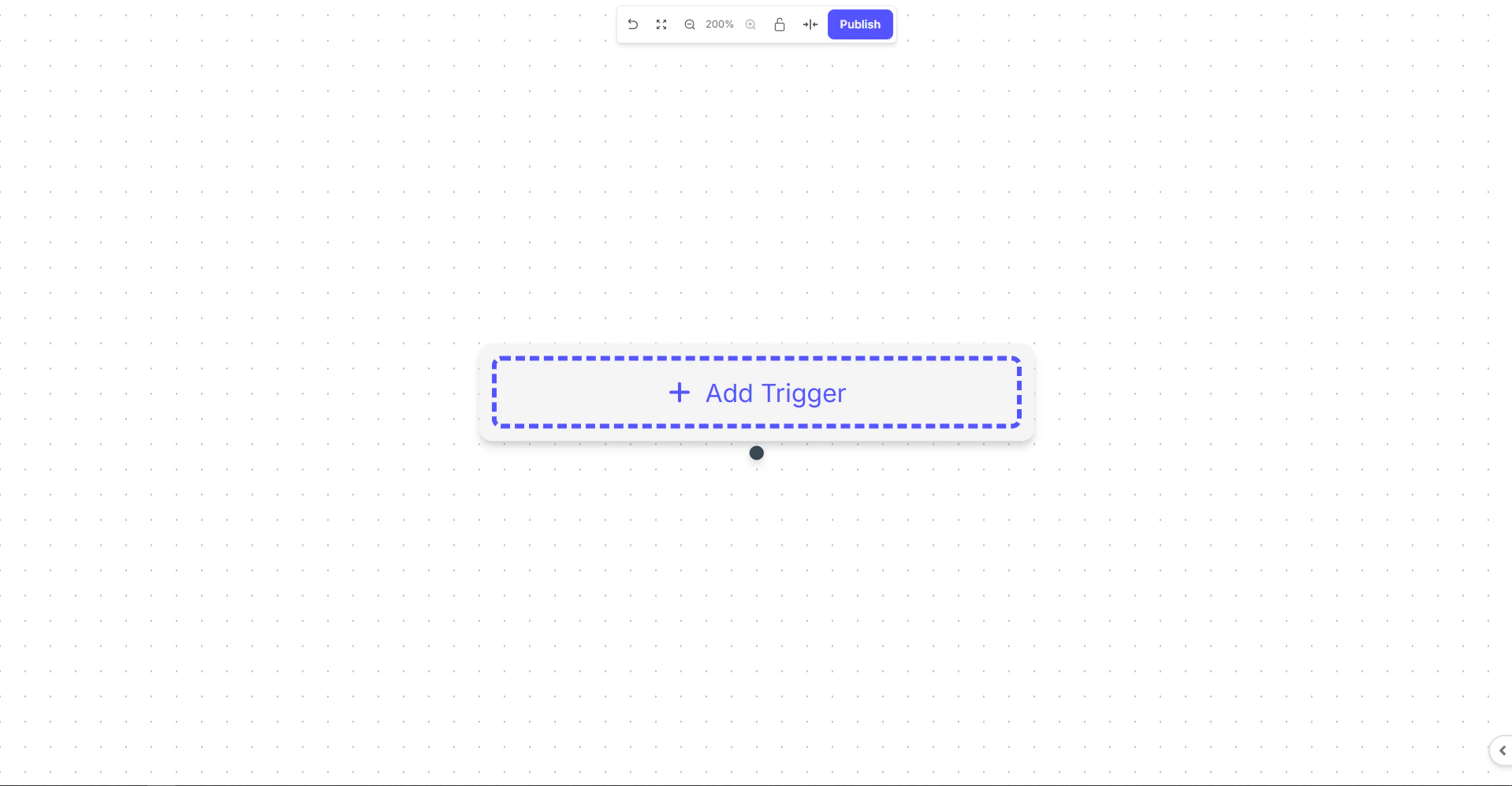
At the center of the canvas, the+ Add Trigger button is the starting point of every journey.A trigger defines the event that initiates the flow .