
Setting up Instagram Messaging
The Instagram Messaging channel allows you to connect your Instagram Professional account (Business or Creator) with Chatzy. Once connected, your AI agent can automatically respond to Instagram Direct Messages, engage followers, capture leads, and provide customer support.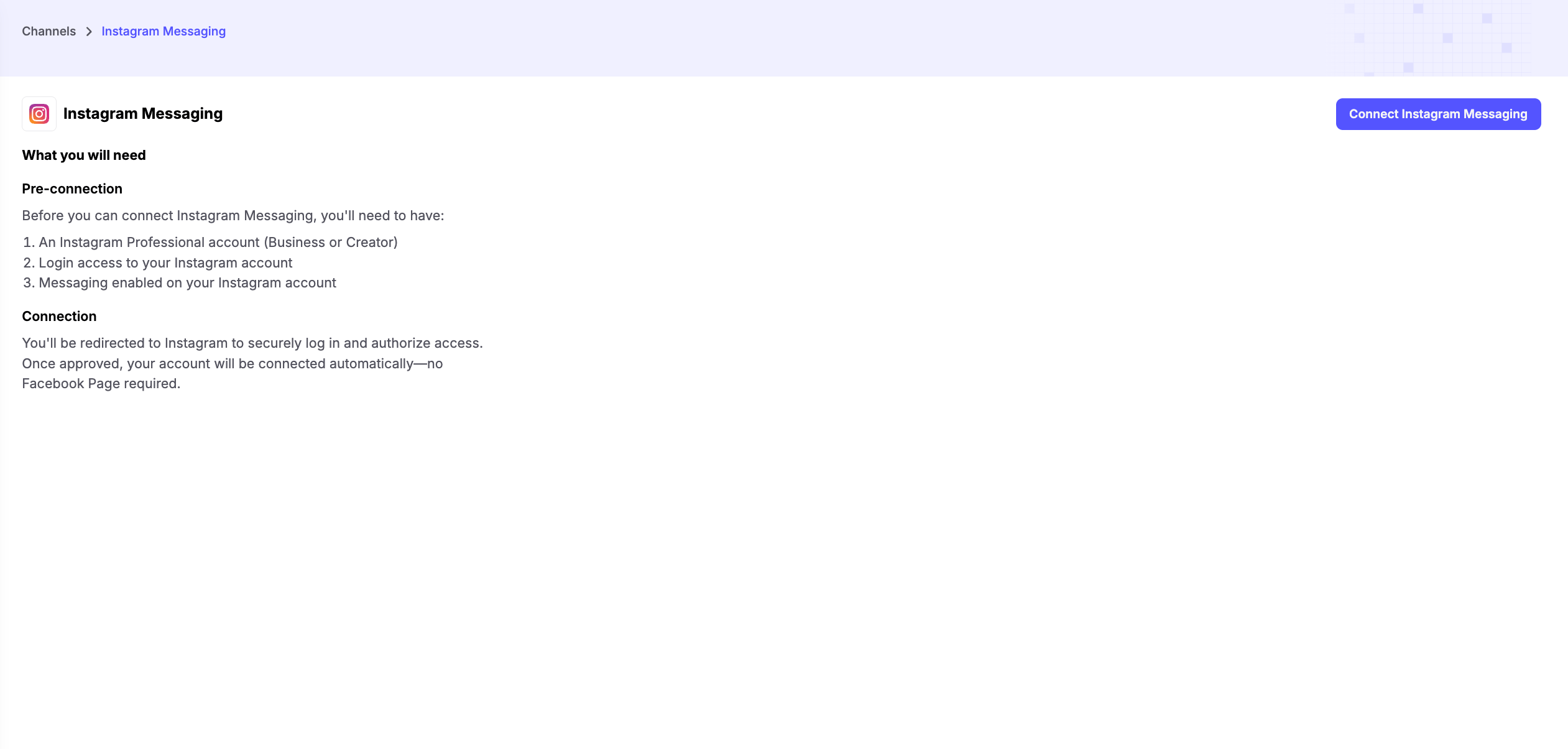
Prerequisites
Before connecting Instagram Messaging, make sure you have:-
An Instagram Professional Account
- Your account must be set up as either a Business or Creator account.
-
Login Access
- Ensure you have access to the Instagram account you want to connect.
-
Instagram Messaging Enabled
- Messaging must be enabled for your Instagram account so Chatzy can send and receive Direct Messages.
Connecting Your Account
Click Connect Instagram Messaging and sign in to your Instagram account when prompted.Accept the Tester Invitation
After authorizing your Instagram account, you’ll need to accept the tester invitation before the integration becomes active.- Open the Instagram Tester Invitations page.
- Accept the pending invitation for your account.
- Return to Chatzy and continue using Instagram Messaging.
Note: If you don’t accept the tester invitation, Instagram Messaging will not function even if your account has been connected successfully.
Key Features
- Instagram DM Automation - Automatically respond to Instagram Direct Messages using your AI agent, ensuring customers receive instant replies 24/7.
- Instagram Comment Automation - Automatically reply to comments on your Instagram posts or reels and guide users into Direct Messages for personalized conversations and lead generation.
- Automated Replies - Instantly answer frequently asked questions, product inquiries, and customer support requests.
- Human Handoff - Seamlessly transfer conversations to a human agent whenever manual assistance is required.
Common Use Cases
- E-commerce - Handle product inquiries, order updates, and recommendations.
- Service Businesses - Book appointments and answer customer questions.
- Creators & Influencers - Manage fan interactions, collaborations, and common FAQs.
- Marketing Campaigns - Engage users responding to Instagram ads or organic content.