
Setting up LinkedIn
The LinkedIn channel allows you to connect your LinkedIn account with Chatzy to automate messaging, send connection requests, engage prospects, and streamline your outreach workflows.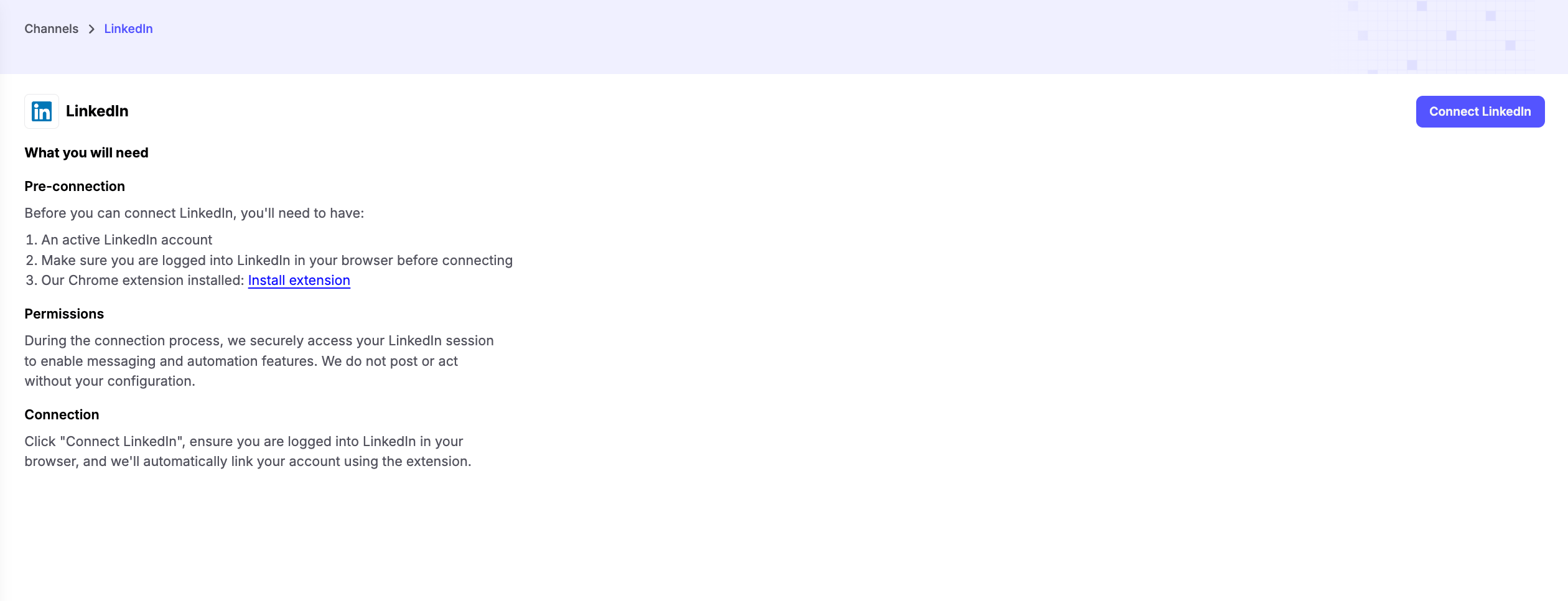
Prerequisites
Before connecting LinkedIn, make sure you have:-
An Active LinkedIn Account
- Ensure your LinkedIn account is active and accessible.
-
Logged Into LinkedIn
- Sign in to your LinkedIn account in the same browser before starting the connection process.
-
Chatzy Chrome Extension Installed
- Install the Chatzy Chrome Extension, which is required to securely connect your LinkedIn account and enable automation features.
Connecting Your Account
Once you install the Extension, refresh the LinkedIn connections page Click Connect LinkedIn and follow the prompts to authorize the connection. The Chatzy Chrome Extension securely links your LinkedIn account, allowing your AI agent and journeys to perform LinkedIn actions on your behalf.Note: Make sure the Chrome Extension is installed and you are logged into LinkedIn before attempting to connect.
Permissions
During the connection process, Chatzy securely accesses your LinkedIn session through the Chrome Extension to enable automation features. Chatzy does not post, message, or perform any actions unless they are explicitly configured in your AI agent or Journey.Key Features
- LinkedIn Messaging Automation - Automatically send personalized messages to prospects and connections.
- Connection Request Automation - Send connection requests with optional personalized notes to grow your professional network.
- AI-Powered Outreach - Personalize conversations using AI and dynamic variables for higher engagement.
- Lead Engagement - Follow up with prospects automatically based on your workflows.
- Journey Integration - Trigger LinkedIn actions as part of your automated Journeys for seamless outreach.
Common Use Cases
- Sales Prospecting - Send connection requests and follow-up messages to potential customers.
- Recruitment - Reach out to candidates with personalized connection requests and messages.
- Business Development - Build professional relationships and nurture leads automatically.
- Networking - Scale your outreach while maintaining personalized communication.