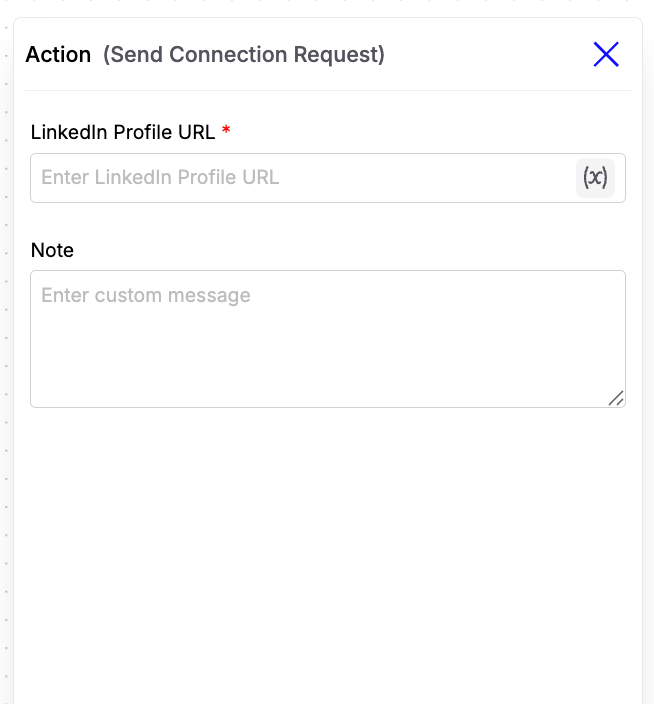
Configuration Fields
-
LinkedIn Profile URL
Enter the LinkedIn profile URL of the person you want to connect with. You can also use dynamic variables to populate this field at runtime, making it ideal for automated outreach workflows. Example:
{{contact.linkedin_profile_url}} -
Note (Optional)
Add a personalized message that will be included with the connection request. This field also supports dynamic variables, allowing you to personalize each request using contact information. Example:
Hi {{contact.first_name}}, I came across your profile and would love to connect!