
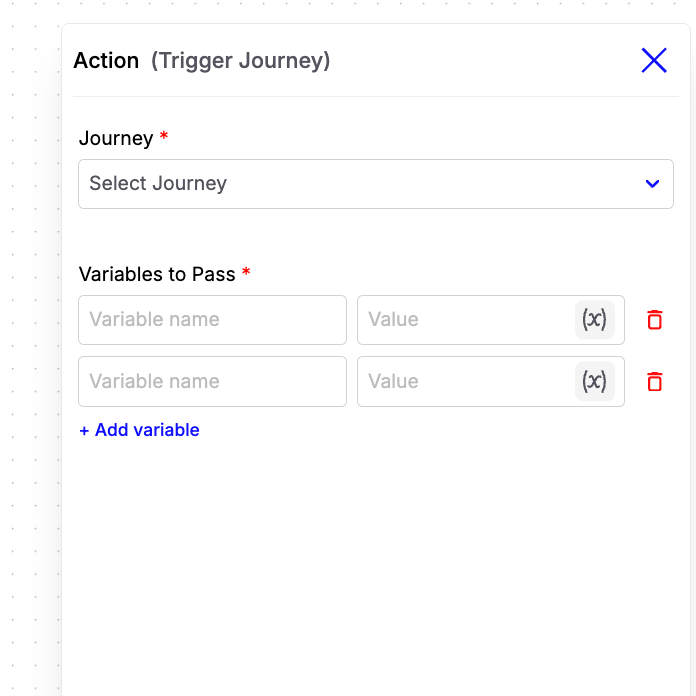
Configuration Fields
-
Journey
Select the journey that should be triggered when this action is executed. -
Variables to Pass
Pass one or more variables from the current journey to the triggered journey. Each variable consists of:- Variable Name – The key that will be available in the triggered journey.
- Value – The value to assign to the variable. This can be a fixed value or a dynamic workflow variable.
Note: The triggered journey must use an Inbound Webhook trigger. All variables passed from this action will be available inside the triggered journey under the inbound_webhook object.
Example:
If you pass the following variables:
{{inbound_webhook.phone_number}}{{inbound_webhook.budget}}
Example Use Case
Suppose you have a Lead Qualification Journey and a separate Appointment Booking Journey.- The Lead Qualification Journey collects the customer’s details and determines that they are qualified.
- Instead of handling appointment booking in the same journey, use the Trigger Journey action.
- Pass variables such as the customer’s phone number, name, and preferred location.
- The Appointment Booking Journey starts automatically and continues the workflow using the received variables.