
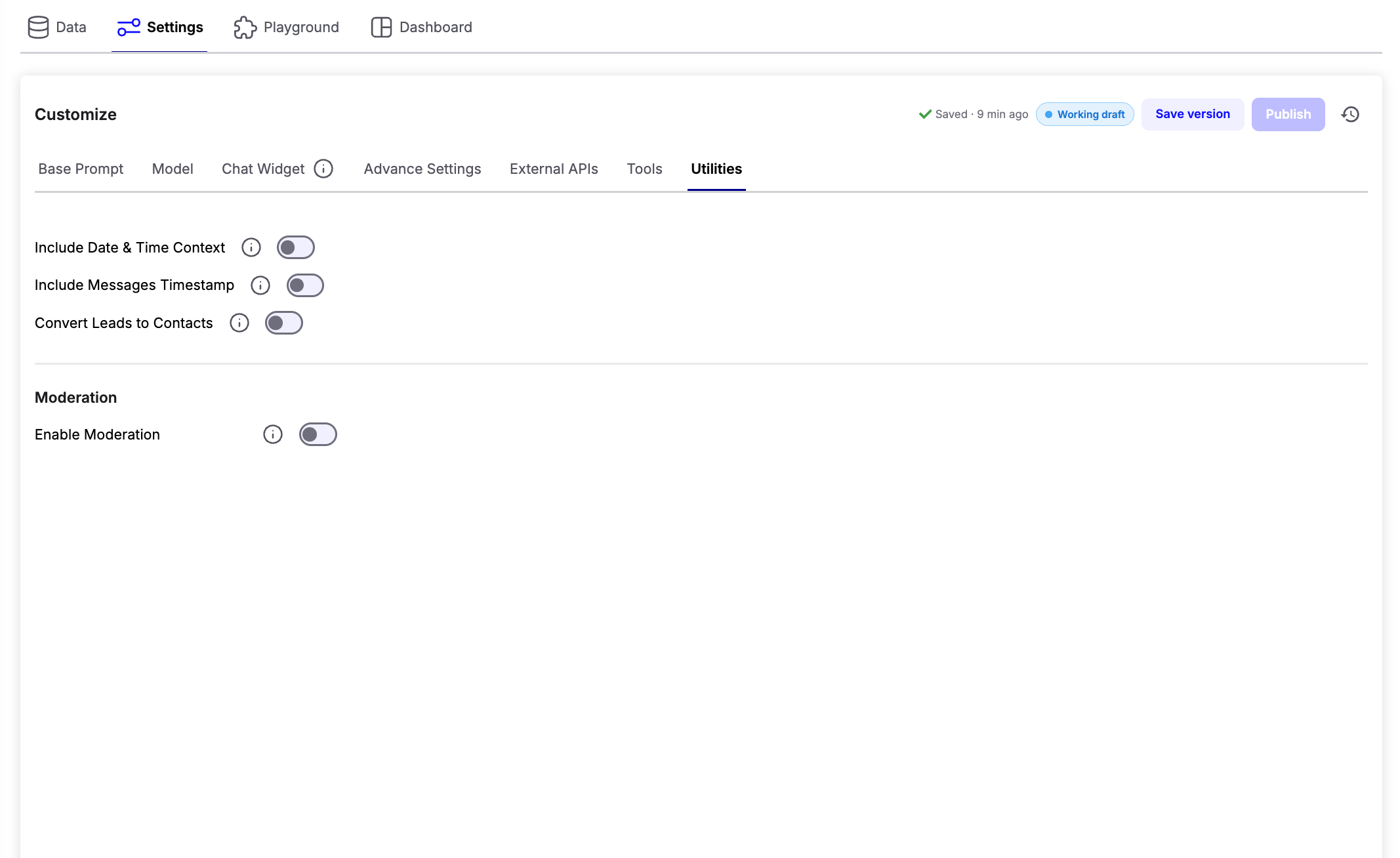
AI Utilities
Include Date & Time Context
Allows the AI agent to access the current date and time, enabling it to answer and process time-based requests accurately. Example use cases:- “Book my appointment for tomorrow.”
- “What time is it now?”
- “How many days are left until Friday?”
Include Messages Timestamp
Adds timestamps to messages stored in the conversation history, helping the AI understand references to earlier parts of the conversation. Example use cases:- “What did I ask you five minutes ago?”
- “Continue from where we stopped yesterday.”
Convert Leads to Contacts
Automatically converts qualified leads into contacts, reducing manual work and streamlining your CRM workflow.Note: This feature requires Lead Notifications to be configured and enabled.
Moderation
The Moderation section helps protect your AI agent by detecting harmful, abusive, or malicious user inputs before they are processed.Enable Moderation
Turn on Enable Moderation to activate message filtering for all incoming conversations. Once enabled, additional moderation settings become available.Moderation Provider
Choose the moderation service that should analyze incoming messages.- Chatzy AI - Built-in moderation for detecting common unsafe or unwanted content.
- Lakera AI - Advanced AI security focused on prompt injection attacks, jailbreak attempts, malicious prompts, and other LLM-specific threats.
Define Intents
Select the types of content you want to detect. Examples include:- Hate speech
- Harassment
- Spam
- Policy violations
- Prompt injection attempts
- Malicious prompts
Action to be Taken
Choose what should happen when a moderation rule is triggered. Available actions:- Blacklist - Permanently block the user from interacting with the AI agent.
- Freeze - Temporarily prevent the user from continuing the conversation for a specified duration.